Google Chrome
Safe, fast, and reliable browsing with Google Chrome

Safe & Secure

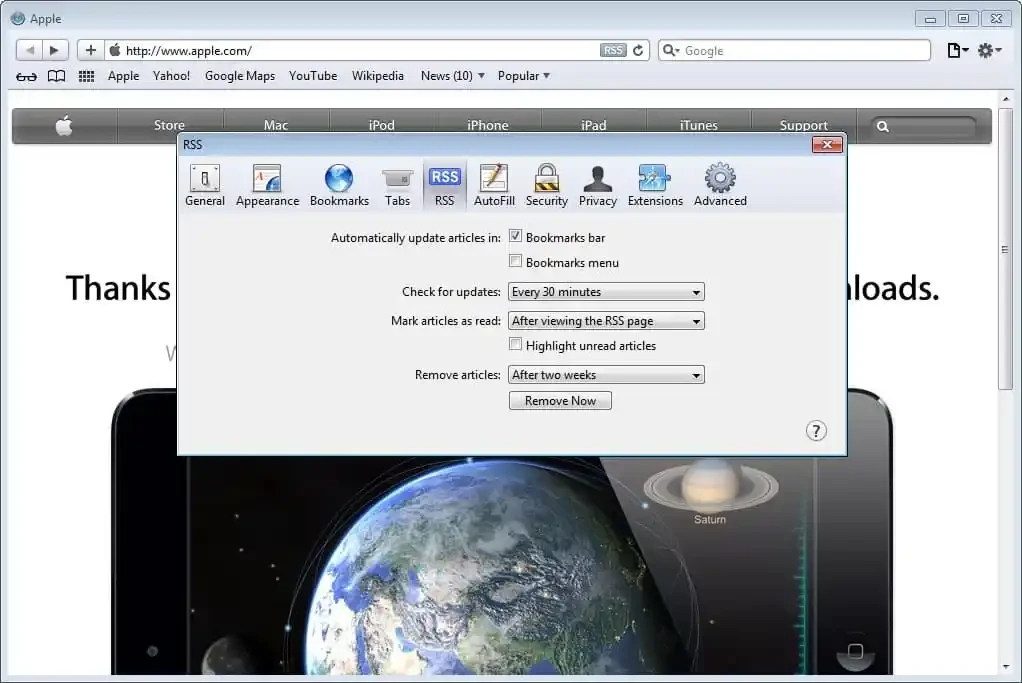
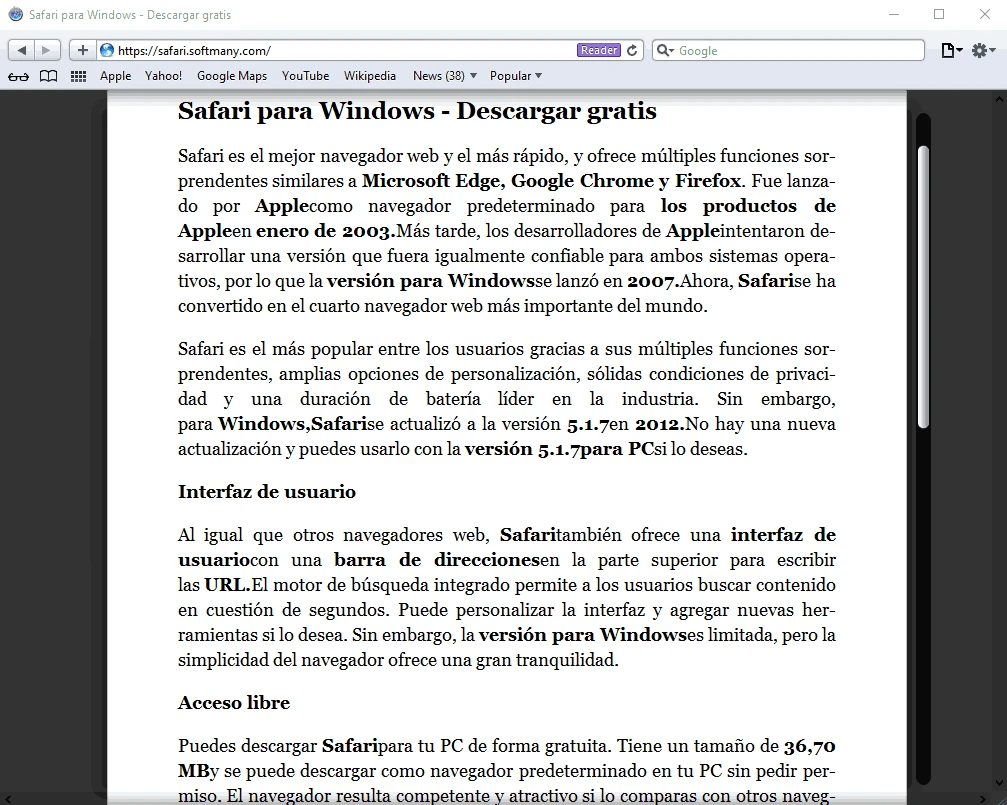
Safari is the official web browser, basically designed for the Apple ecosystem, but also available on Windows 10 and Windows 11, offering huge customization options and strong integration with cloud-powered services from Apple. However, Apple has discontinued offering updates for Windows PC because of low market share. However, you will find it to be a fast, stable, and secure browser with an exceptional web browsing experience, the same as on macOS.
You will find awesome functionality in different scenarios, working with the latest website technologies to offer the look and workflow of the pages as you want. It proves a formidable competitor across all major web browsers.
Safari web browser, developed by Apple Inc., is a powerful software that was launched in 2003 as the default browser of macOS X Panther, and was expanded to other Apple products, such as macOS, iOS, iPadOS, and visionOS. It utilizes the open-source browser engine WebKit and is the second most popular web browser across the world.
The app, similar to other utilities, offers feature-rich functionality such as reading mode, extensions, and a lot of other developer tools. It also offers AI-powered Intelligent Tracking Prevention to avoid web tracking. Official support for Windows PCs was discontinued in 2012, but you can download it on your PC to enjoy all basic features.
The app proves to be one of the best browsers on the market, as it is tested to offer smooth scrolling, page loading, and even navigation to sites with a large amount of content and heavy media. It utilizes the Nitro Engine embedded with advanced JavaScript technology, enhancing page loading and execution speed. Moreover, it offers Low Power Mode to enhance battery life, reducing the power consumption of the browser.
It is one of the significant features to offer clean, distraction-free, and easy-to-read format for accessing the content available on web pages. It is easy to activate, focusing on the text and eliminating all unnecessary items from the page. In addition, you can manage your browsing experience more reliably, as you can use the Tab View option to view all of your open tabs with a pinch. However, it is the best option for gesture screens.
Security is an important priority; similar to other web browsers, the app also helps to avoid malware, phishing attacks, and fraudulent websites, offering multiple built-in security measures. It also safeguards users from all types of online threats, utilizing a fraud-warning system for flagging suspicious sites and blocking pop-up windows and other malicious content. Sandboxing is another innovative feature, isolating web pages from each other and from the rest of the system, and protecting sensitive information while avoiding malicious websites to keep your device uncompromised.
The app offers an exclusive sharing process without switching to another additional file-sharing app; instead, you need only to click the “Share” button right from the main screen, select the content you want to share, and easily send it to any of your contacts. You can use Mail or Messages to share web pages, or post them on Facebook, tweet links, and also add comments and locations.
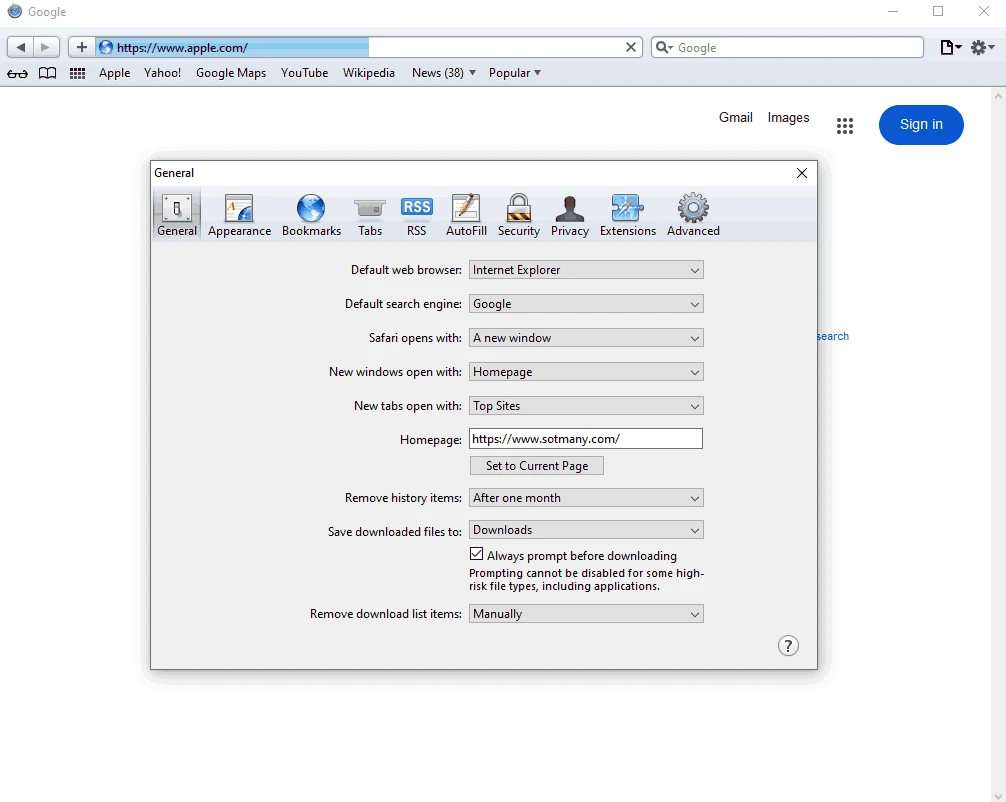
The app offers a combined field for both search terms and web addresses, allowing users to enter their search keywords or even web addresses in the upper part of the interface. On entering a web address, you will be directed to the web page. It is also possible to add bookmarks quickly access to the most frequently visited sites. Moreover, the app also allows you to select the search engine according to your preferences, such as Google, Bing, or Yahoo.
Beyond security measures, the app also offers an exclusive Private Browsing mode, enabling users to prevent any unauthorized access to their browsing history, as it doesn’t save browsing history, search queries, or cookies from the visited sites. It reliably maintains user privacy, avoiding to any of your browsing activity is tracked or recorded. It is the best option for users who are seeking a high level of anonymity while browsing.
The integration with iCloud services enables users to sync their browsing history on multiple devices simultaneously. It makes it possible to continue your browsing regardless of the device you are using. Simply sync your bookmarks, reading list, and other data across all of your devices, and save your time and energy by accessing your content with one click.
The clean and minimalistic user interface looks quite similar to the Mac counterpart. It is embedded with a unified search and address bar, a bookmarks bar, and a customizable start page. Multiple innovative essential function buttons are housed in the top-right corner, such as adding bookmarks, viewing your browsing history, and managing extensions. So, the user-focused utility creates an environment suitable for a diverse audience, making the navigation intuitive while streamlining the main screen labeled with buttons and menus.
The app is highly integrated with multiple web technologies and standards, including HTML5, CSS3, JavaScript, and so on. This compatibility makes the user experience consistent, high-quality, and robust. Moreover, the app offers seamless compatibility for Apple as well as non-Apple products, such as desktops, laptops, tablets, and smartphones.
The availability of a built-in spell checker and a dictionary enables users to enhance their vocabulary, offering definitions of a huge collection of words. It is the best solution for users who have to communicate online with foreigner community. In addition, you will find the “Preload Top Hit” feature used for preloading the most likely next page a user will visit to enhance browsing speed.
The app is fully customizable, allowing users to make changes according to their preferences, such as changing the default search engine, setting their preferred homepage, and using themes and wallpapers to personalize the appearance. You can also customize the Reader Mode while using the “Reader Preferences”, such as font size, typeface, background color, and so on.
A huge collection of accessibility features is available to make your access to the entire functionality simple and efficient. You will find VoiceOver for using your voice to access the web, instead of typing search queries. Text-to-Speech is another awesome functionality to read webpages aloud, and a dedicated Zoom feature to enlarge the content available on the web pages to enhance the reading capability. It also facilitates users in accessing their desired content using keyboard navigation.
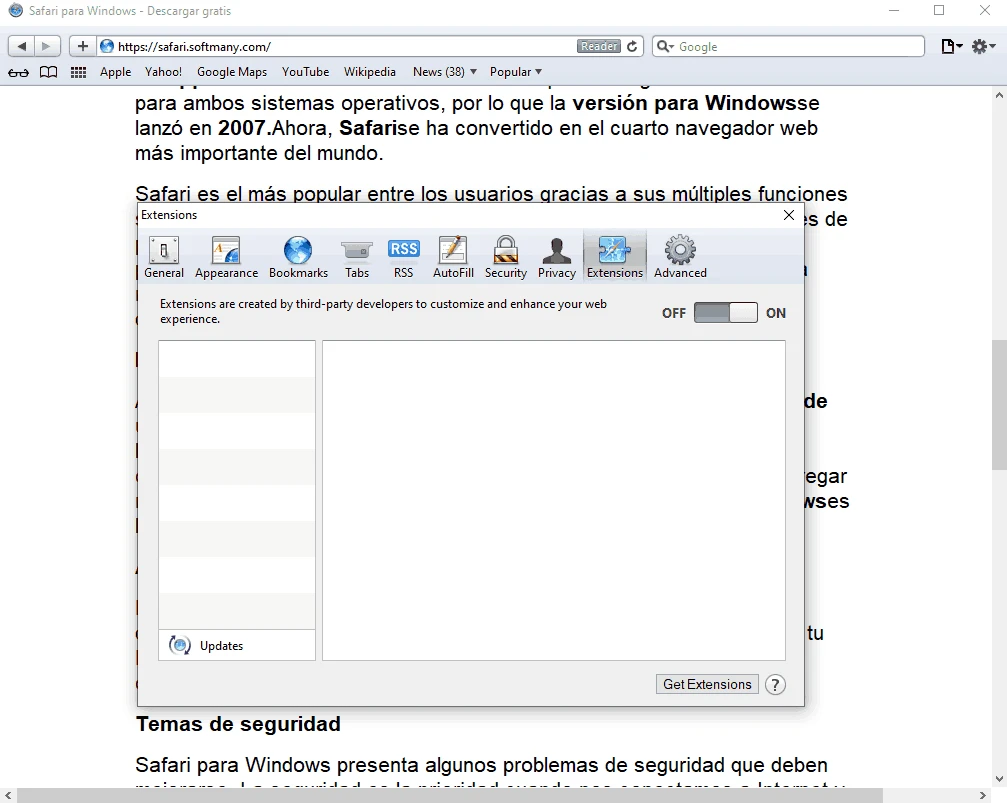
However, the app doesn’t support as many extensions as compared to other browsers, such as Chrome or Firefox. But a smart extension collection is available for the ease of users to enhance productivity, including ad blocking, password management, language translation, and so on.
The app offers a straightforward installation process, such as;
No doubt, Safari is a dedicated app specifically designed for Apple products, working as the default browser. However, it is available for Windows PCs as well, but with limited functionality, as the company has discontinued official support for the Windows version. So, you can try some other popular web browsers such as;
It is one of the best utilities with a combination of speed and privacy, embedding built-in VPN and ad-blocking functionality. The Chinese-based utility, powered by Chromium, offers awesome services for all types of digital machines.
Chrome World’s#1 web browsing utility, developed by the giant Google in 2008. It is equipped with a plethora of extensions, and integration with all Google services makes it a valuable choice among users across the world.
The privacy-focused web browser offered by Mozilla Foundation uses the Gecko rendering engine, and an extensive library of extensions helps to enhance productivity. Robust privacy and security features are available to improve your browsing experience.
One of the modern utilities, catering to a specific audience: the video gaming enthusiast. The app has the latest functionality natively usable for Windows 10 and Windows 11. It offers CPU, network, and RAM limiters to enhance gaming functionality, preventing browsing sessions from eating up computing resources.
It is a free and open-source utility to offer 3x to 6x faster web page loading, offering strong privacy and protection, such as ad blocking and Private Browsing integrated with the Tor anonymity network.
Safari, a free and open-source utility, is the default browser of the Apple ecosystem, consuming less power to offer an efficient workflow. It offers a secure and fast browsing experience with groundbreaking features, such as Intelligent Tracking Prevention, Reader Mode, and iCloud Keychain integration. The programming languages for the development of Safari are Swift, C, and C++. It doesn’t support third-party extensions.
It is a free web browser, but not an open-source utility. It is a heavy app, so it consumes many system resources. It offers privacy policies, but does not disable data trackers completely. Compared to Safari, it offers cross-platform compatibility, offering support for Windows, Linux, and Mac operating systems. The programming languages for Chrome development are C++ and Python. The high-speed browser offers support for third-party extensions. It is equipped with advanced functionality and is also integrated with Google services.
Pros
Cons
The app offers a smart selection of extensions through its library, but not support for third-party extensions.
It is simple to use: click on the “File”, then “Import From” and select the browser for importing bookmarks, following the on-screen instructions.
No doubt, Apple has discontinued its official support for the Windows operating system, but it still has the same speed and performance on a Windows PC.

Safe, fast, and reliable browsing with Google Chrome

Opera offers the best browsing functionalities including built-in VPN, ad-blocker, and Turbo mode.

UC Browser for PC, the leading mobile browser now available for PCs

Cent Browser is a Chromium-based browser with seamless browsing online

Firefox can display a large number of pages and extra capabilities that can help you online very fast.

Adobe Flash Player used for viewing video, applications, Designs, and animation for all browsers and platforms